Apple Watch Family eSIM | Single Number Single SIM with unlimited local data and voice
Pair up your Apple Watch with "Family Watch eSIM" to enjoy unlimited local data and voice servicevia a supplementary number, for staying connected hassle-free without a mobile phone.
Highly recommended for families with children or the elderly!

Emergency SOS without phone / Wi-Fi
Use Apple Emergency SOS and Fall Detection featuresand stay connected without mobile phone
Your family can automatically call local emergency services for help
and notify emergency contacts in case of emergency
(Click here for Apple Watch SOS Setting Guide)

Easy Location Finding & Contact using Unique eSIM
Locate your family members at your fingertips,contact online / on phone anytime using watch with unique eSIM
And receive location update alerts,
especially when your child leaves a specific location, like school
(Click here for Apple Watch for Kids details)
|
|
Purchase and Activation Guide  Reminder before Purchasing Apple Watch Family eSIM:
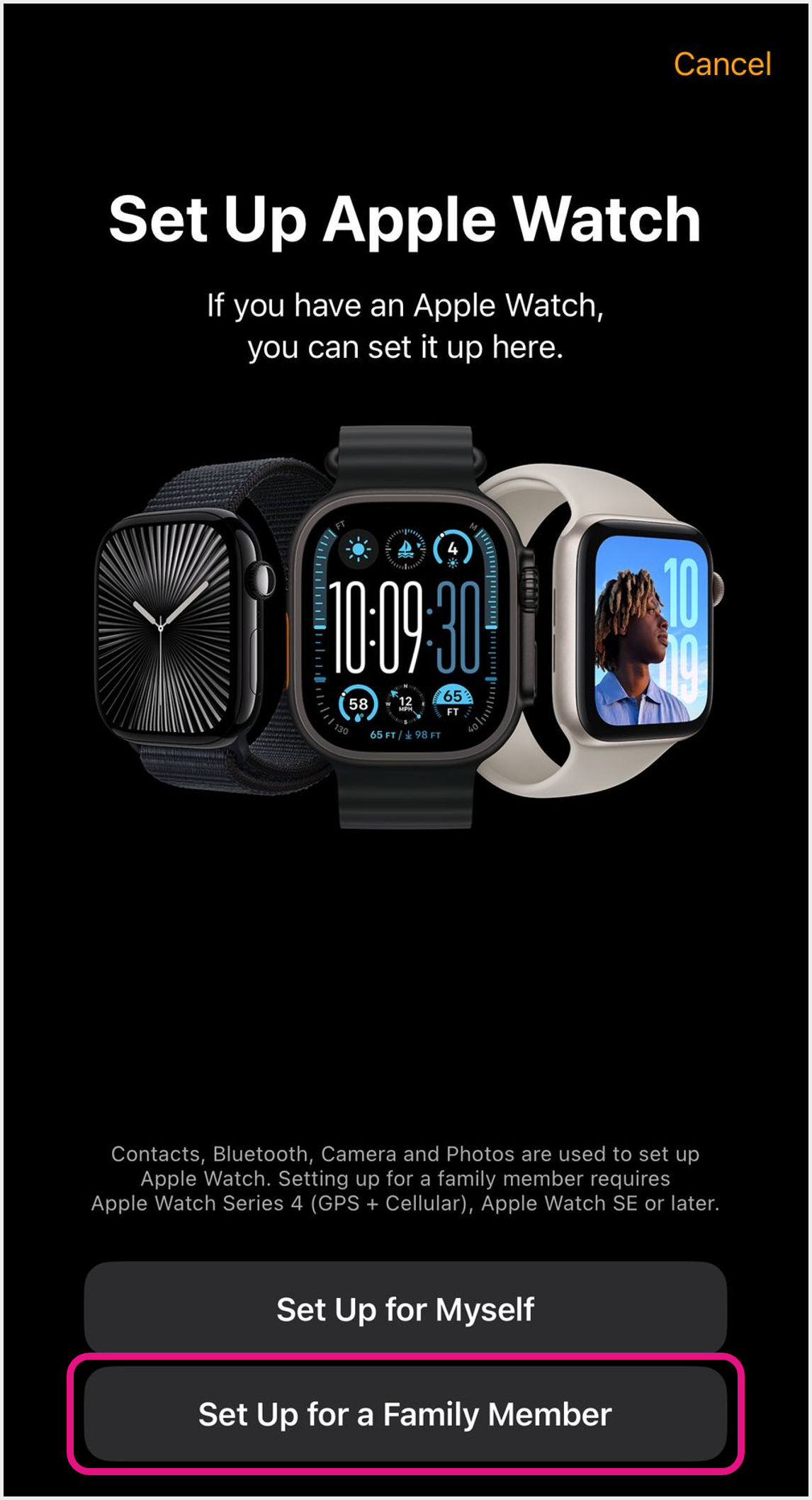 1 Turn on Bluetooth and hold your Apple Watch close to iPhone for connection
In "Set Up Apple Watch", select "Set Up for a Family Member" to start pairing (Click here for Apple Watch Pairing Guide) 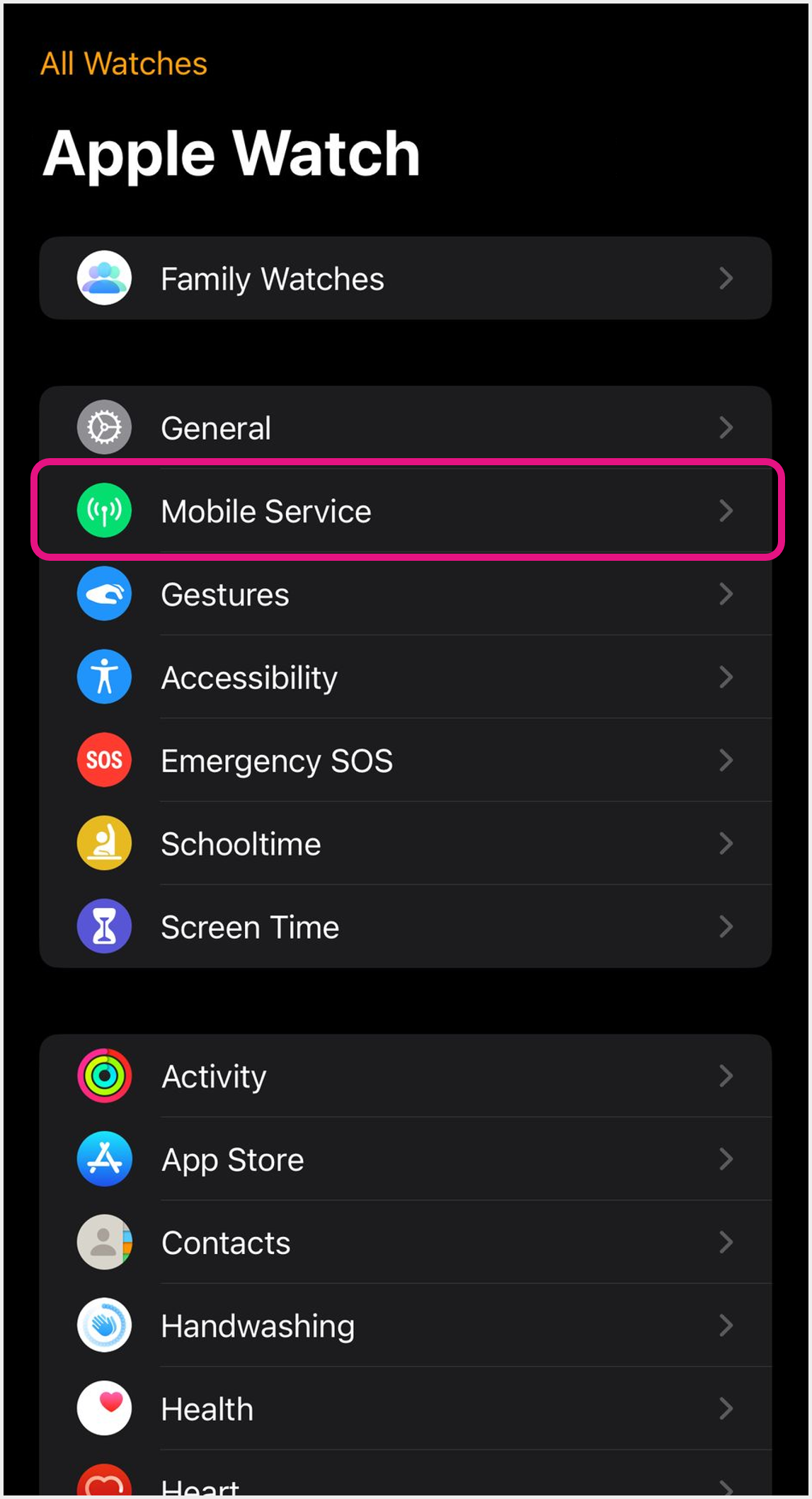 2 After pairing, open "Watch" App on iPhone and select "Mobile Service"  3 Click "Set Up Mobile Service" 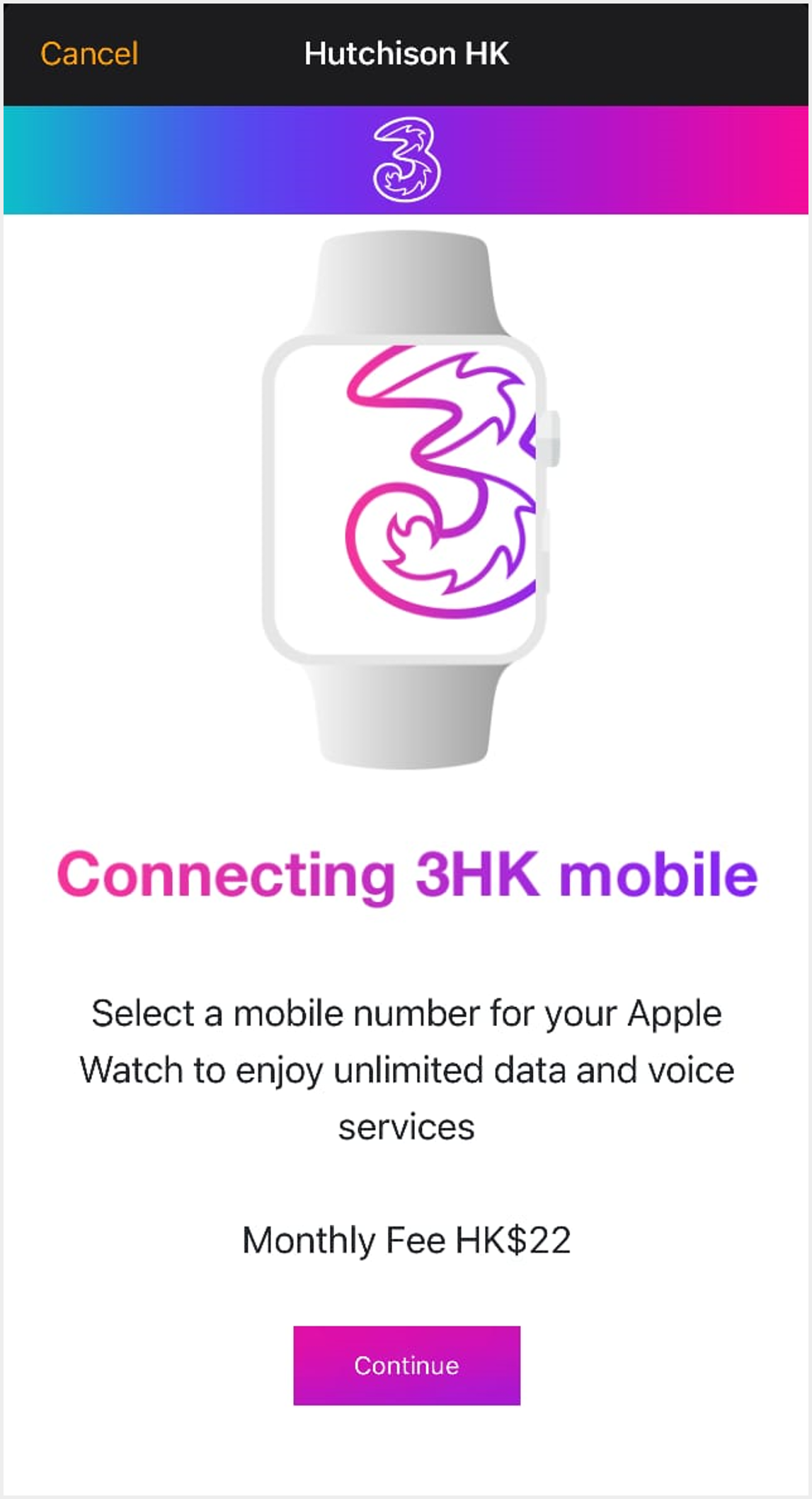 4 Enter purchasing page and click "Continue" 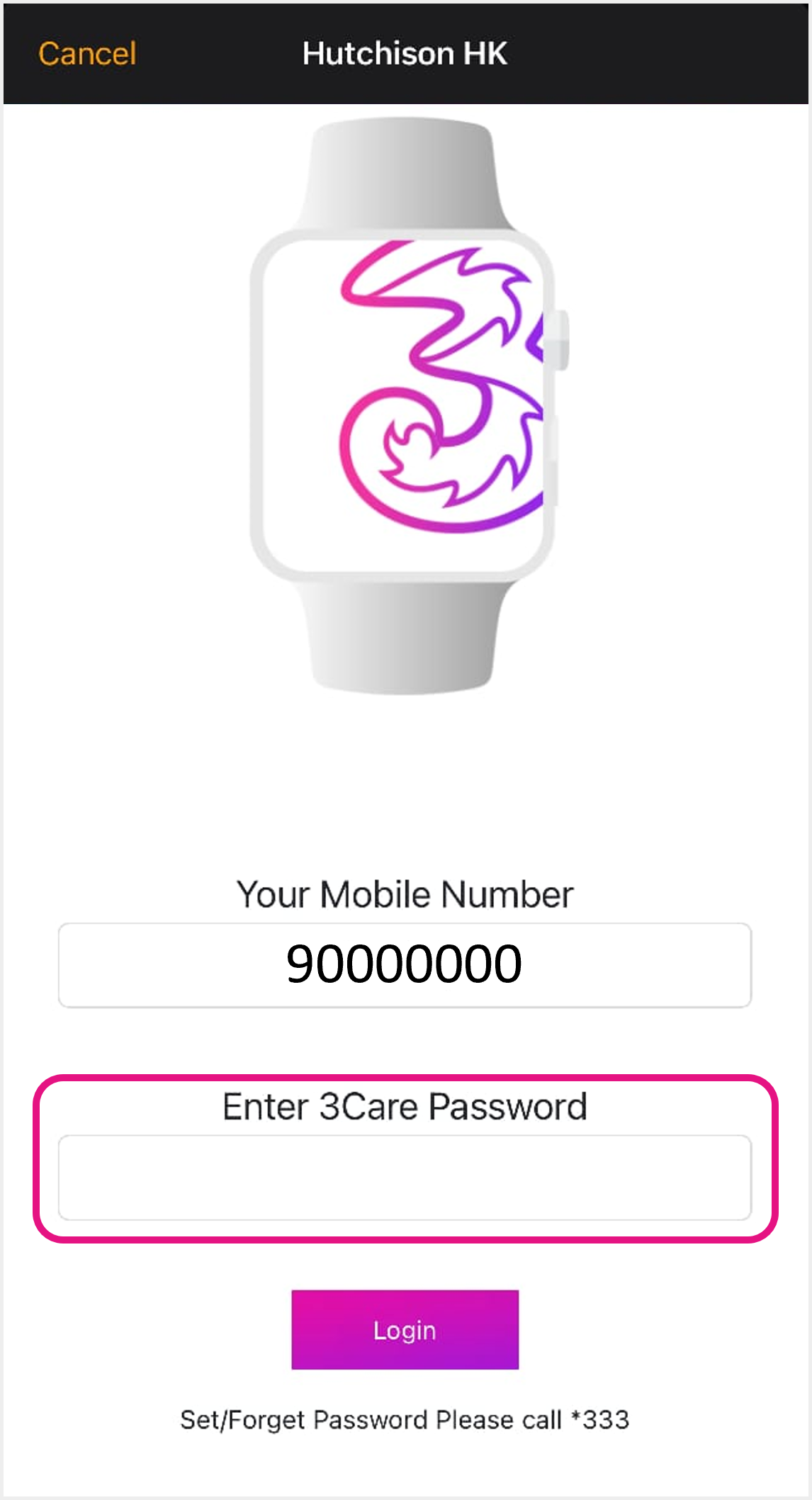 5 Confirm your primary SIM number and enter "000000" as 3Care Password, then click "Login" 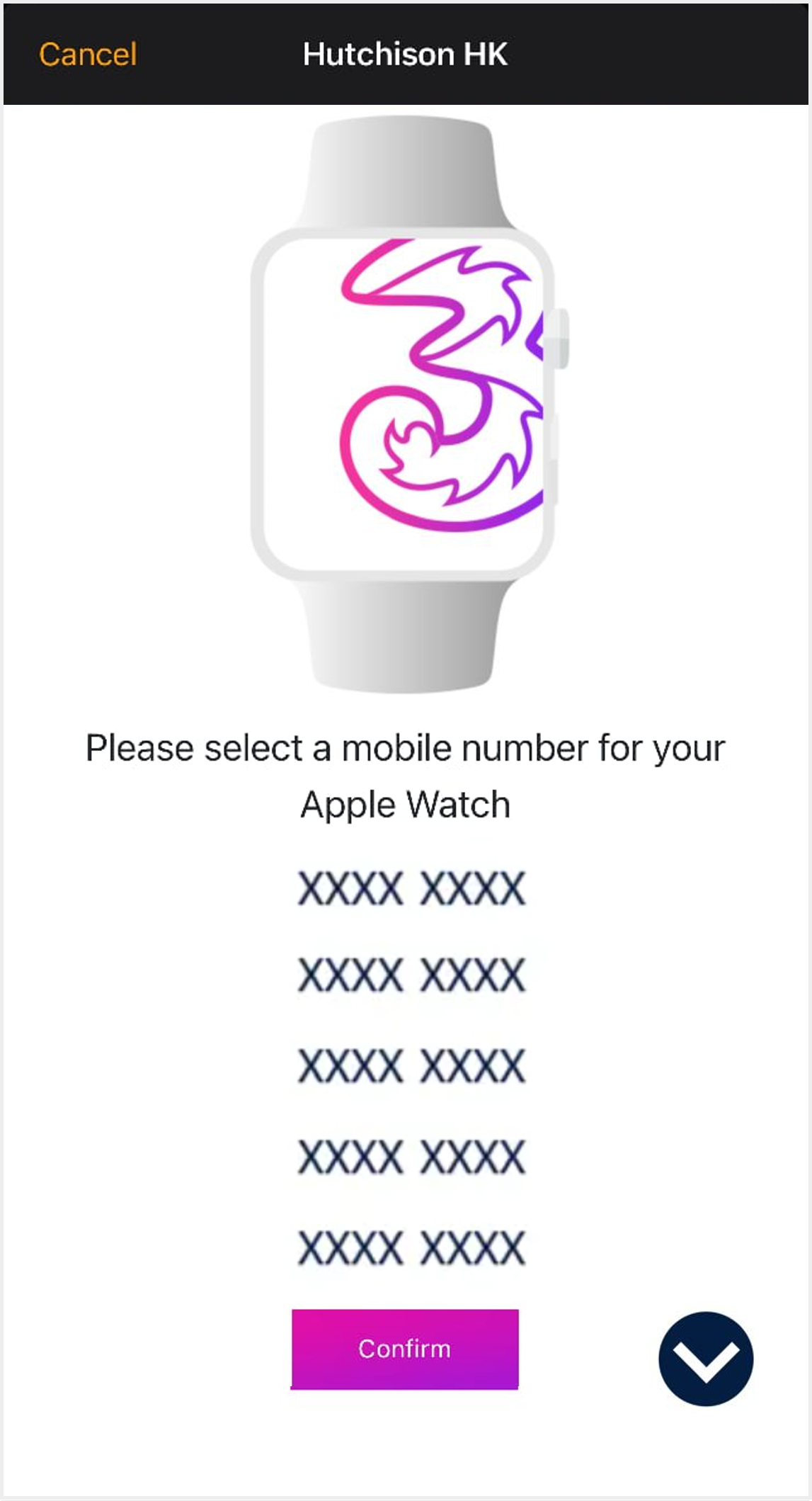 6 Choose your Apple Watch Family eSIM number and click "Confirm" 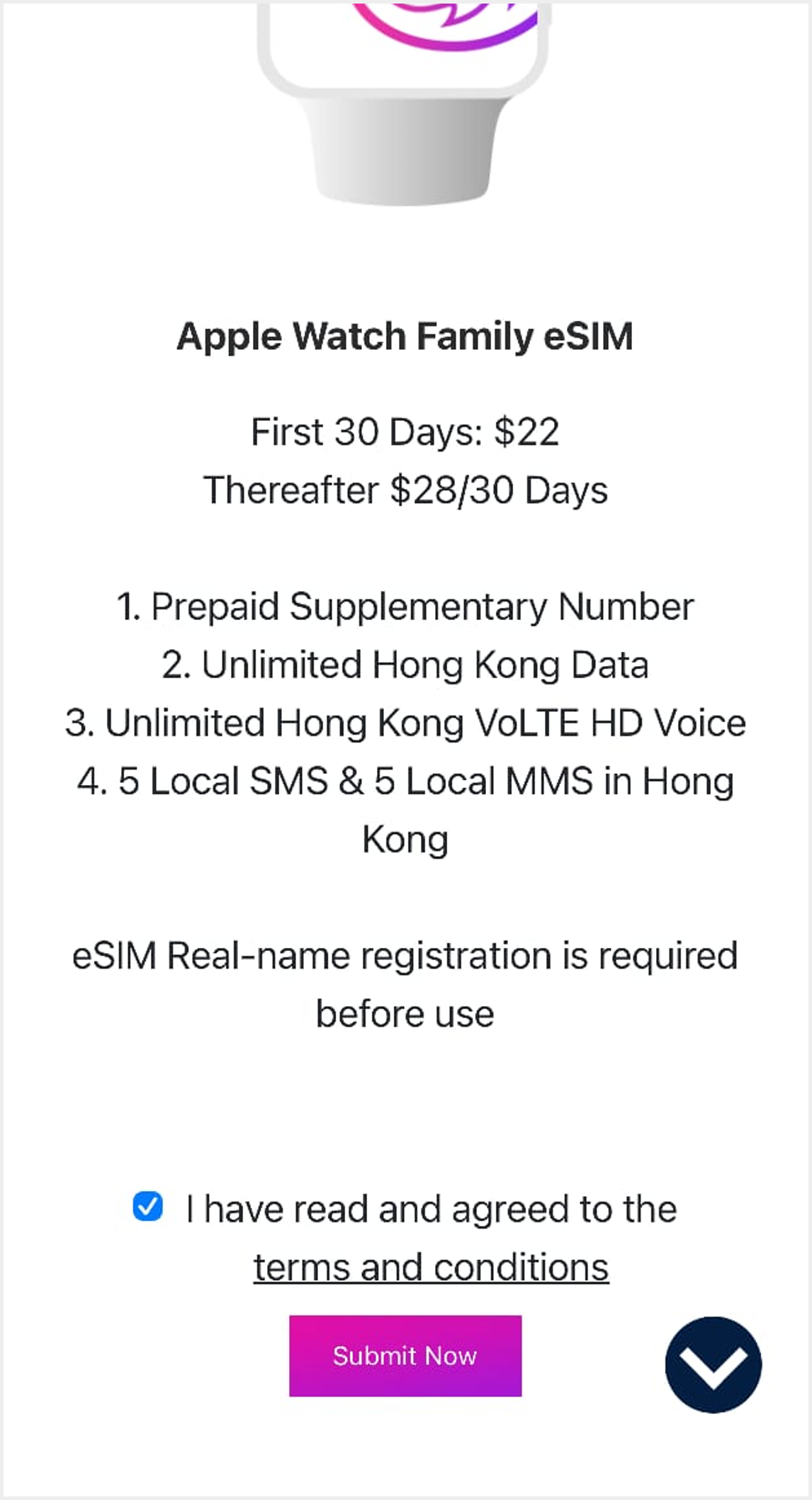 7 Read and tick to accept service package details, related terms and conditions. Then click "Confirm"
Reminder: Service charge will be deducted from your primary SIM account. Please ensure there is sufficient stored value to purchase eSIM 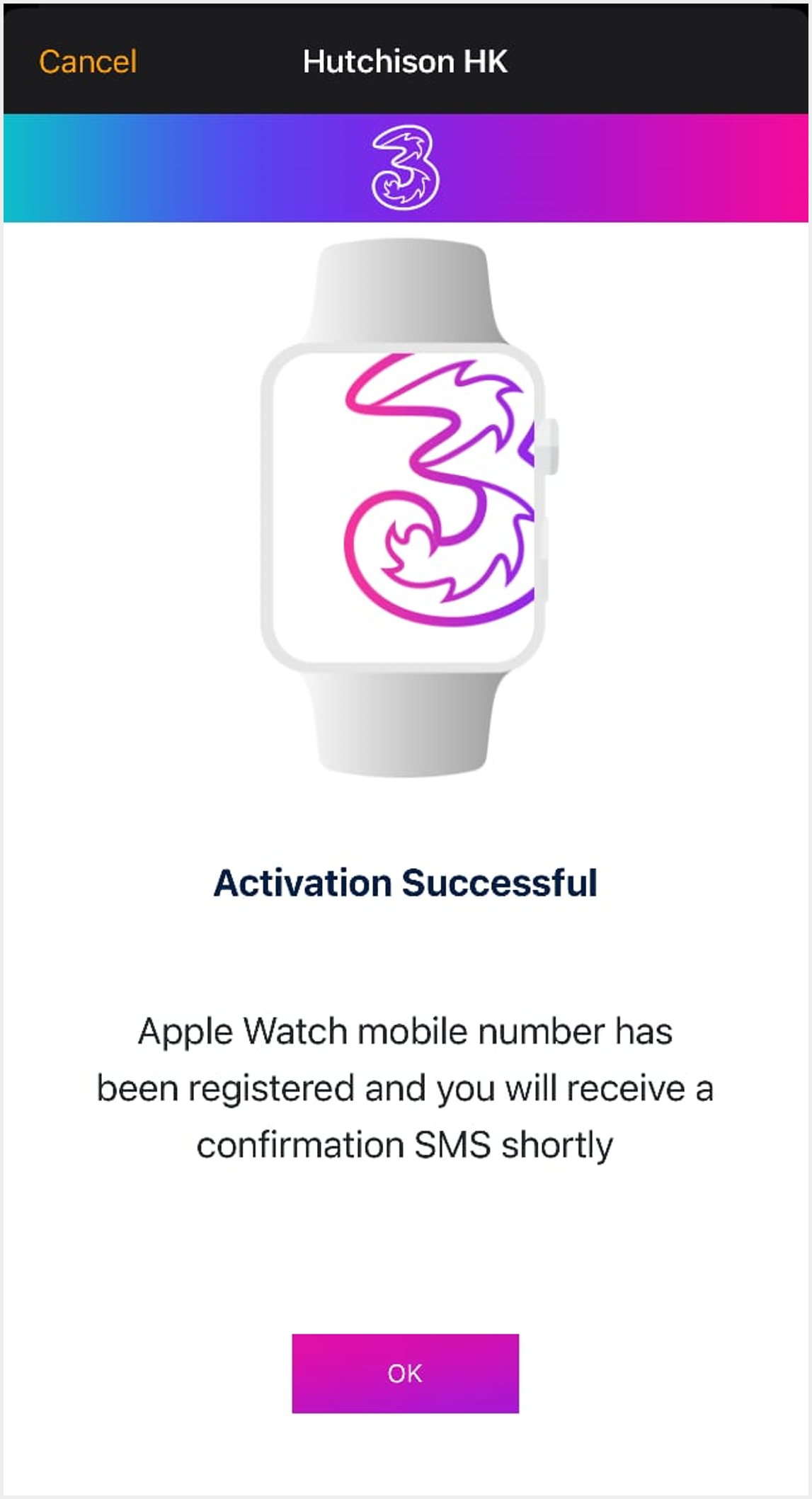 8 Wait for "Activation Successful" message and click "OK"  9 Return to Watch > "Mobile Service". If "Hutchison HK" is displayed in mobile plan, you can start to set up your Apple Watch eSIM network 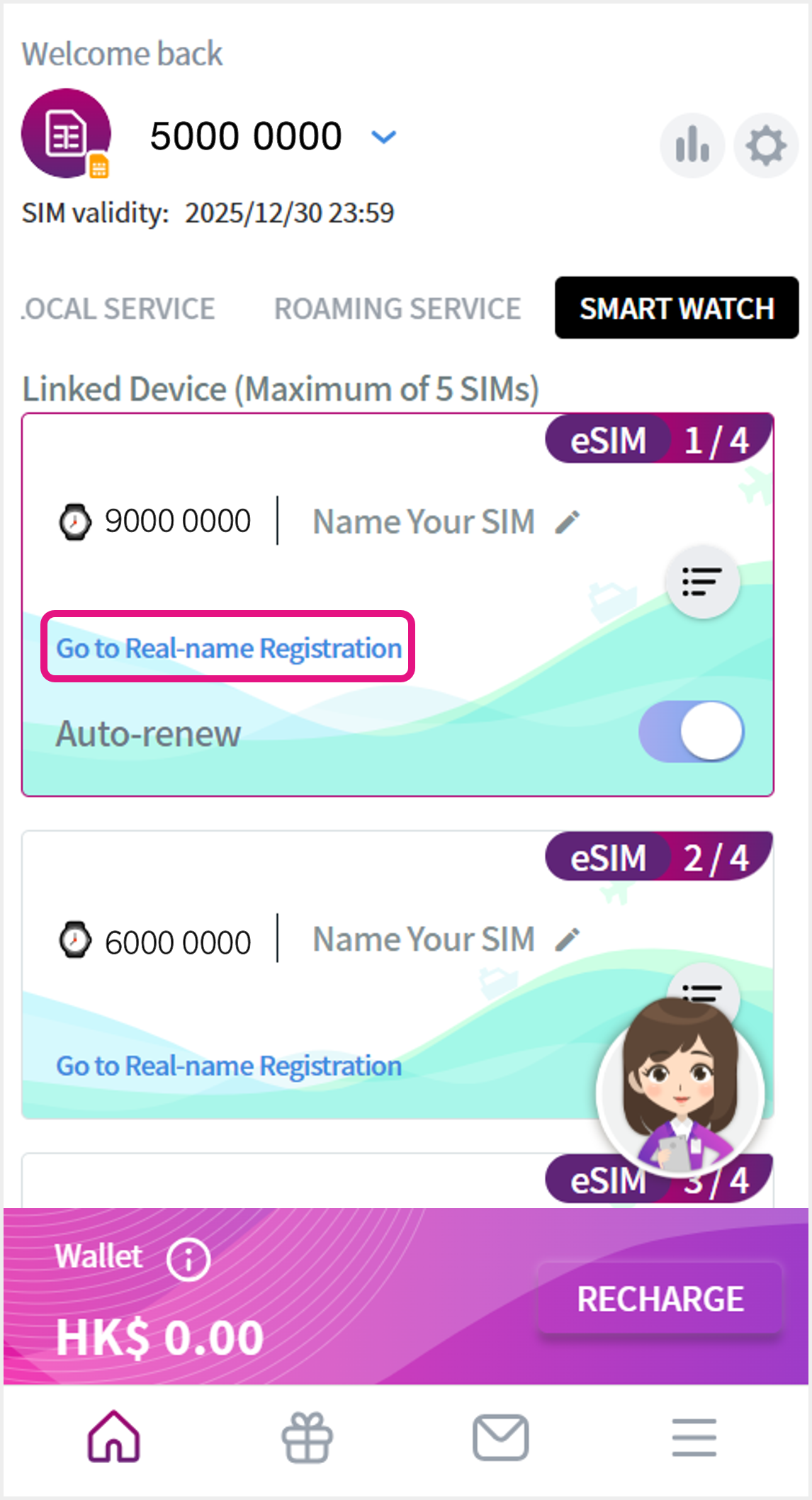 10 Complete Real-name registration via Home > "Smart Watch" to activate your eSIM service, after logging in DIY account |
|
Terms and Conditions:
|